Question 2
Practical assignment (5 hours)
Use a colour photo of your choice and create the following colour effects (as per Nigel French’s video) – you should hand in four separate works of the same photo with the following effects:
- Create a fluorescent duotone
- Apply a monochrome look
- Split toning of the image
- Freestyle: Create a colour effect of your choice


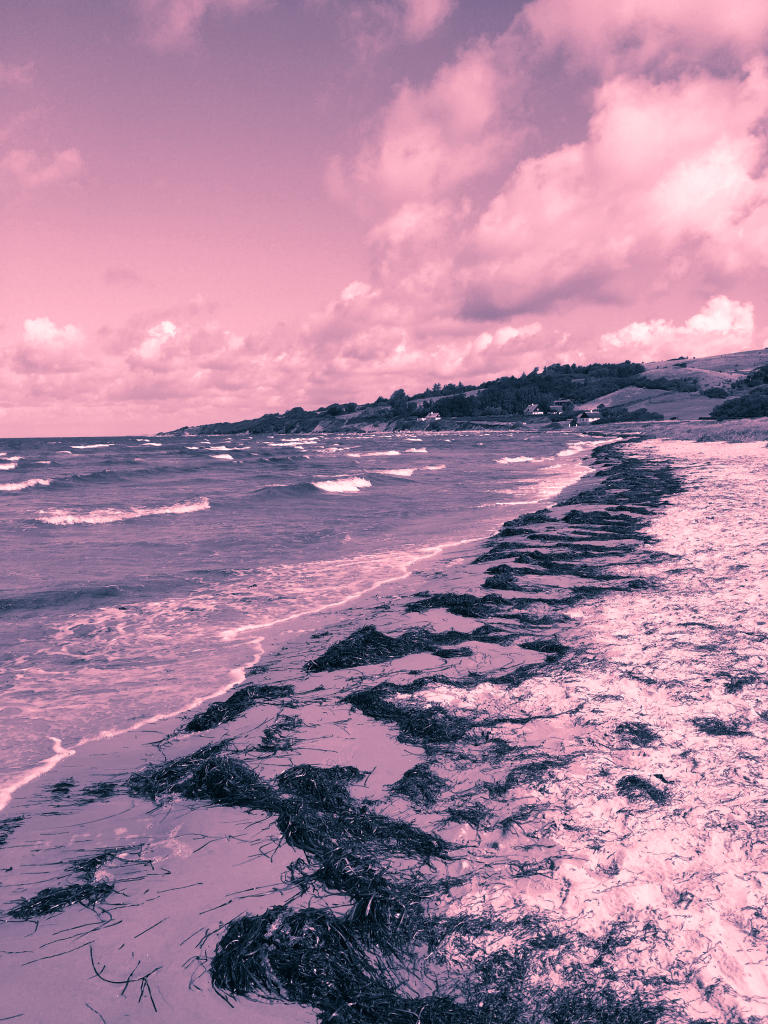

For my freestyle color enhancement I chose to focus on making the sky more detailed by making better contrast. I used the technique described in Nigel Frenchs video. To compare the before and after, have a look at these screenshots together:

Before (original) 
After
As I am completely new to Photoshop this was very challenging, but again; Loads of fun! Scratching the surface, barely, and I can’t wait to learn more!
Resources:
https://www.linkedin.com/learning/photoshop-for-designers-color-2/welcome?u=43268076
 Randis Reflective Journal